

If your BAV Brick remote is not working, start with power: fully charge the model’s battery, make sure the remote itself has power, and confirm your set is the remote-controlled version. Those checks cost nothing and come before any teardown. This guide also covers a BAV Brick RC that will not connect, battery charging mistakes, and what to ask BAV BRICK if the electronics turn out to be faulty.
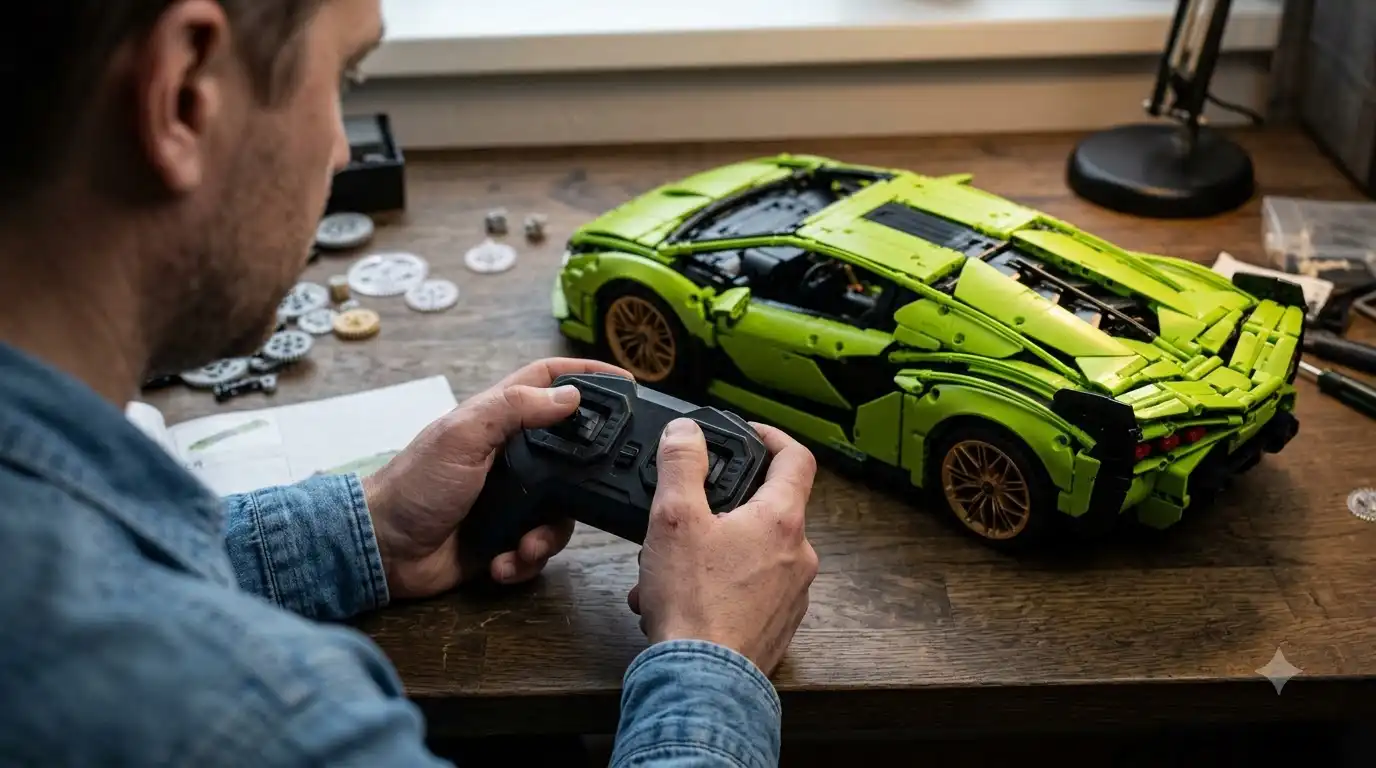
Did you order the remote-controlled version of your set?
Did you order the remote-controlled version of your set?
Check the version name on your order confirmation, because some BAV BRICK sets ship as non-remote builds and only the remote-controlled variant includes the RC system. As of September 24, 2026, BAV BRICK’s page for its 1:8 British Monocage Supercar lists four versions (non-remote or remote-controlled, each with or without an LED kit), and the remote-controlled build costs $257.49 against $236.89 for the plain non-remote version.
The same page lists a dual remote control system and dual rechargeable battery packs among that set’s features.
For that set, a remote-controlled order should therefore arrive with both a remote and rechargeable power.
A separate add-on changes the picture.
BAV BRICK’s 1:14 Car-specific Power Upgrade Remote Control Kit bundles a lithium battery, a remote, and motors in several combinations, and the page tells buyers to match the motor model to their assembly manual. It also notes that regular and pro motors share the same size, with the pro version offering more power and speed. A wrong motor combination can look like a dead remote, so check it first if you added the kit.
- Match the version name on your order confirmation with the labels above, including the LED kit option.
- Confirm the remote and the battery pack are in the box. If a part is missing, BAV BRICK provides a missing parts form.
- If you bought the upgrade kit, compare its motor variant with the motor model your manual calls for.
Is the battery actually charging?
Is the battery actually charging?
A flat or partly charged battery is the first thing to rule out, because general RC guidance treats missing power as the top cause of a controller that will not respond. EuroRC’s 2026 troubleshooting guide adds that weak batteries in either the controller or the vehicle can cause connection problems. Bambu Lab’s wiki for its CyberBrick RC modules likewise links failed connections to an unstable power supply and suggests fresh alkaline batteries or a fully charged lithium battery. That advice comes from other products, but it is a sound baseline for any brick RC system.
BAV Brick battery charging has one quirk worth knowing.
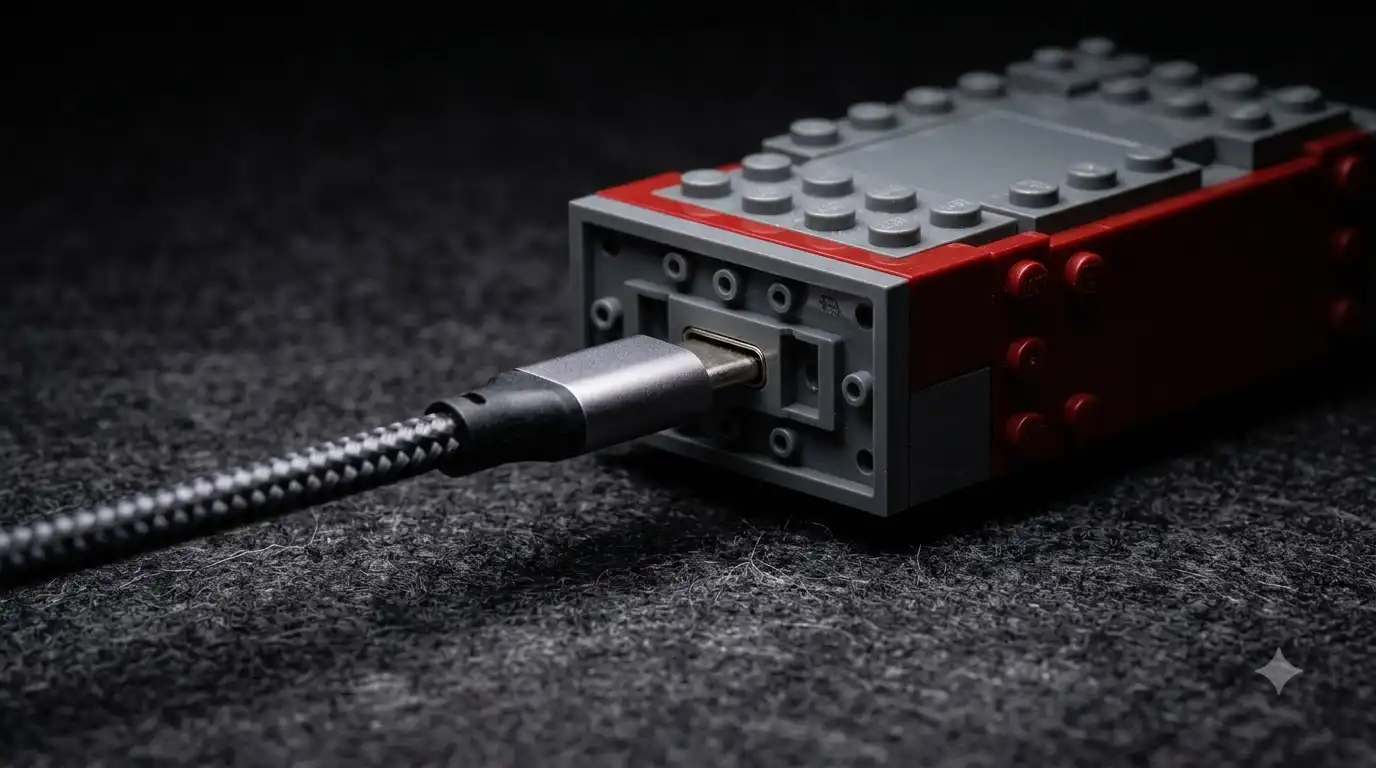
A customer review on the BAV BRICK site describes a set whose USB-C charging port sat where a standard cable barely reached, so the owner ordered a right-angle cable, and the same reviewer reports roughly 15 minutes of run time per charge. That points to two easy mistakes: trusting a half-seated cable, and reading a short run time as a fault.
- Use the cable that came with your set if there is one, and if your set charges over USB-C, try a second known-good cable to rule out a faulty one.
- Push the plug fully into the port and watch for any charging indicator that your manual describes.
- Let the battery charge completely, then test one function at a time instead of running doors, suspension, and driving together.
Bambu Lab’s safety guidance for its own rechargeable brick kits says to let an overheated battery pack cool before charging, to stop using a pack that shows leakage or corrosion, and to charge only with the supplied charger.
BAV’s manual takes priority for your set, but those rules are a sensible floor for any rechargeable pack. A hot, swollen, or leaking battery is a reason to stop and contact BAV BRICK rather than keep testing.
Why is your BAV Brick remote not working even after a full charge?
Why is your BAV Brick remote not working even after a full charge?
If a full charge changes nothing, treat it as a connection problem and test whether the model, the remote, or the startup sequence is at fault, one variable at a time.
For a BAV Brick RC not connecting, the manual is your best guide to the right startup order.
BAV BRICK’s product page lists a detailed printed color manual with the set. We did not find a BAV page documenting a pairing or reset procedure for its remotes as of September 24, 2026, so that manual is the authority on startup order.
Startup order can matter on brick remotes.
BrickFans, for one, tells buyers of its light kits to hold a button while connecting power for the first activation. That routine belongs to BrickFans, so do not assume BAV sets work the same way.
- Switch the model and the remote off, wait a few seconds, then power them up again in the order your manual gives.
- Test from close range with a clear line between you and the model, using one control at a time.
- Try a second function, such as the lights and then a door, to see whether the whole system is silent or only one function is dead.
- Write down what happened at each step, because a clear record makes any support request faster.
The table below is general RC troubleshooting logic, not an official BAV procedure.
| What you see | Check this first |
|---|---|
| Nothing responds at all | Battery charge and the remote’s own power |
| The model runs briefly, then stops | Charge level, since one customer reports about 15 minutes per charge |
| One function is dead while the others work | The connector or motor for that function, using your manual |
| Nothing moves after adding the upgrade kit | Motor model and motor count against the assembly manual |
Should you open the model to check the wiring?
Should you open the model to check the wiring?
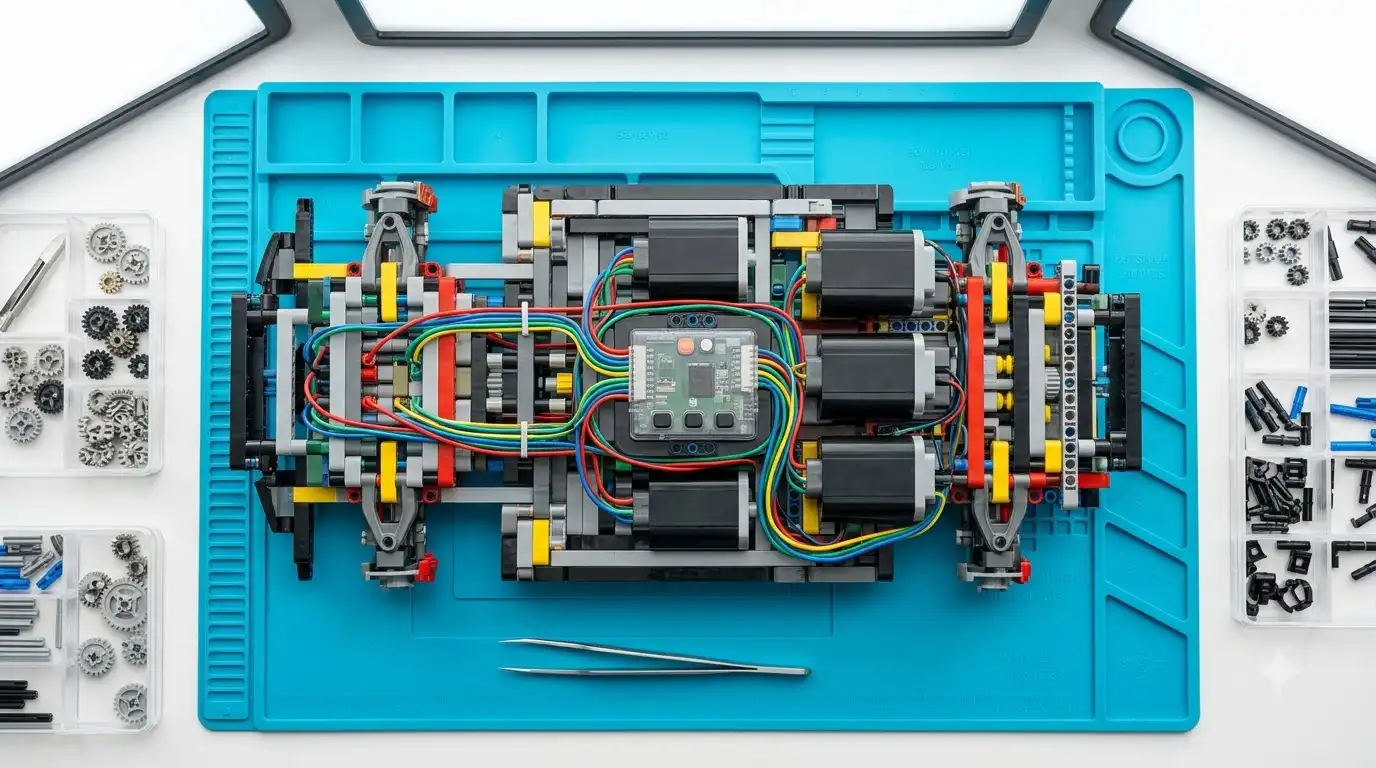
Open the model only after the charging and connection tests fail, because checking connectors inside a large set is the slowest and riskiest step.
The British Monocage set alone runs to 3,658 pieces, so reaching the electronics may mean undoing a lot of assembly.
The warranty FAQ we checked on September 24, 2026 does not say whether opening the model affects a claim, so ask support before you disassemble anything.
If you do look, photograph each stage, press connectors in gently instead of forcing them, and compare what you see with the electronics steps in your manual.
When should you contact BAV BRICK, and what should you send?
When should you contact BAV BRICK, and what should you send?
Contact BAV BRICK once the version, charging, and connection checks are done, since its product pages state a one-year warranty on electronic components and promise replacements if something fails.
As of September 24, 2026, the contact page offers a message form and the address bavbrick@outlook.com.
BAV states a goal of resolving questions within 12 hours, and one customer on its site reports next-day replies on two occasions. Plan for a day rather than an hour. The return window on the product pages runs 30 days from the order date or 7 days after delivery, whichever ends later, which matters if the set failed on arrival.
Include the following in your first message:
- Your order number and the exact version name you bought
- Which functions fail and which still work
- What you already tried, including a full charge with a second cable
- A short video of the fault, plus photos of any connectors you checked
If a full charge and a clean restart do not revive the remote, and your order confirms the remote-controlled version, stop there and write to BAV BRICK instead of opening the model. The one-year electronics warranty is the lowest-effort route, while a teardown is the one step whose effect on a claim BAV has not spelled out. If the fix turns out to be a replacement kit or a new set, check current BAV BRICK offers on this site before you order, keeping in mind that offers change and no code is guaranteed.
Last update 28.09.2026

Long has spent 7+ years running Google and Meta ad campaigns for e-commerce brands, which means he's watched thousands of shoppers abandon carts over a coupon field that wouldn't accept anything. He built SmartCartCodes to fix that. Every code listed here is checked against the merchant's live checkout before it's published, and anything that stops working gets pulled — not buried. He works directly with brands and affiliate networks across the US, UK, and EU.